
Make sure you understand your plan limits for how many messages guests can upload. See Understanding Plan Limits for more information.
What is PixBook?
PixBook transforms the traditional guest book into a digital experience that is:- Easily accessible for all guests
- Beautifully designed
- A perfect way to capture the love and joy of your special day
- Integrated with other PixVow features for a comprehensive event memory
Managing PixBook Messages
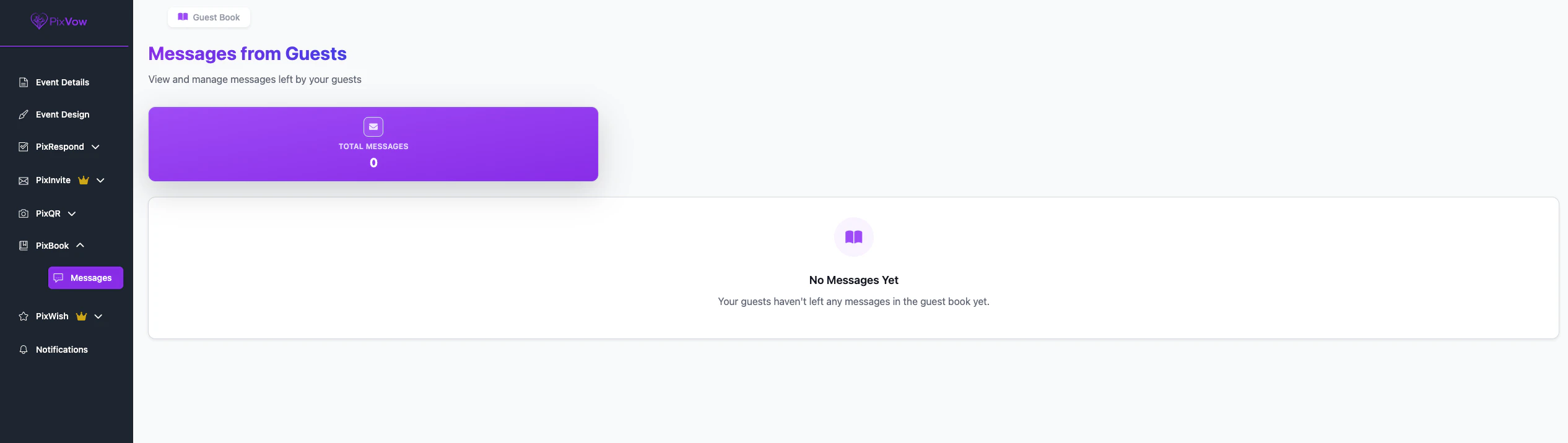
As a host, you can easily manage and view all the messages left by your guests:- Go to your Host Dashboard
- Click on “PixBook” in the left navigation menu
- Select “Messages” to view all uploaded guest messages & any linked media that was uploaded from your guests
PixBook and Montage Integration
PixBook seamlessly integrates with the Montage feature, allowing you to include guest book messages alongside photos and videos in your event’s final presentation.Messages from PixBook will automatically be included in your event’s Montage, creating a comprehensive memory of your special day.
Privacy and Moderation
As the host you have full control over messages uploaded.Preserving Your PixBook
To ensure you never lose your digital guest book:- Regularly backup your PixBook messages
- Consider creating a physical copy of your favorite messages
- Download your complete PixBook after the event for safekeeping
Troubleshooting
If you encounter any issues with PixBook:- Ensure your event settings have PixBook enabled
- Check your internet connection if messages aren’t appearing
- Contact PixVow support for any persistent issues